Een databasegebruiker verwijderen in Plesk
Printen
- Log in op je Plesk-account.
- Klik op Databases in het zijmenu.

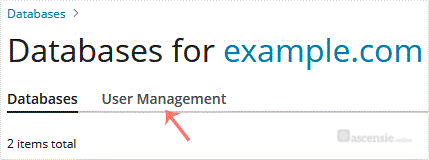
- Klik op User Management in de rechterzijbalk.
- Vink onder Database Users de databasegebruiker aan die je wilt verwijderen en klik op Remove.

- Er verschijnt een bevestigingsvenster. Bevestig met Yes om de gebruiker te verwijderen.
Reacties
© Zentic

