Er was een probleem met het laden van de reacties.

How to Fetch - Sync Emails in Android

Support Portal  »  Kennisbank  »  Bekijkt artikel

Printen

We hope you have already read our tutorial on How to Set Up a cPanel Email Account in Android, and you have already added a built-in email widget to your Android screen.


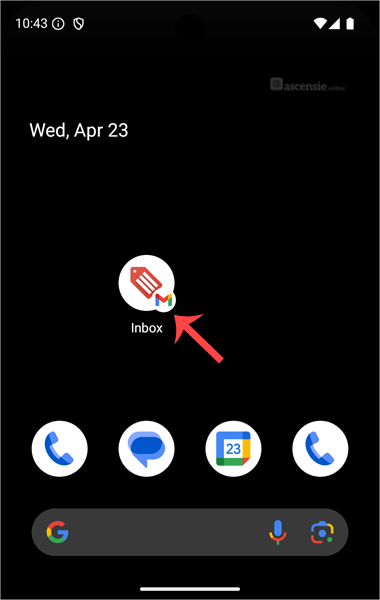
1.
Press on Inbox.
android-email-icon-cpanel.gif


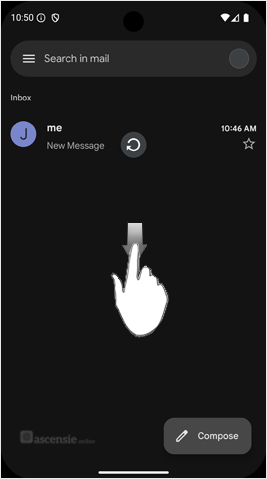
2. Pull down from the top of the screen until the little refresh wheel start spinning. It will start syncing emails.
android-swipe-down-refreshemail-cpanel.gif

In the above screenshot, after syncing, we have received a new email.


Deel via
Is dit artikel zinvol?

Reacties

Voeg Reactie toe

Beantwoorden aan  


Self-Hosted Help Desk Software by SupportPal
© Zentic