Volg deze handleiding om een e-mailaccount aan te maken in Plesk.
- Log in op je Plesk-account.
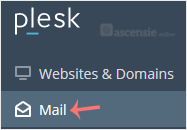
- Klik op Mail in het zijmenu.
- Klik op Create Email Address.

- Vul op het tabblad General de volgende gegevens in:
- Email Address: voer een e-mailadres in en kies, als je meerdere domeinen hebt, het juiste domein in het keuzemenu.
- Password: voer een wachtwoord in of klik op Generate om er een te genereren. Klik op Show om het wachtwoord te kopiëren.
- Mailbox: kies Default size of Another size en voer de hoeveelheid opslagruimte in.
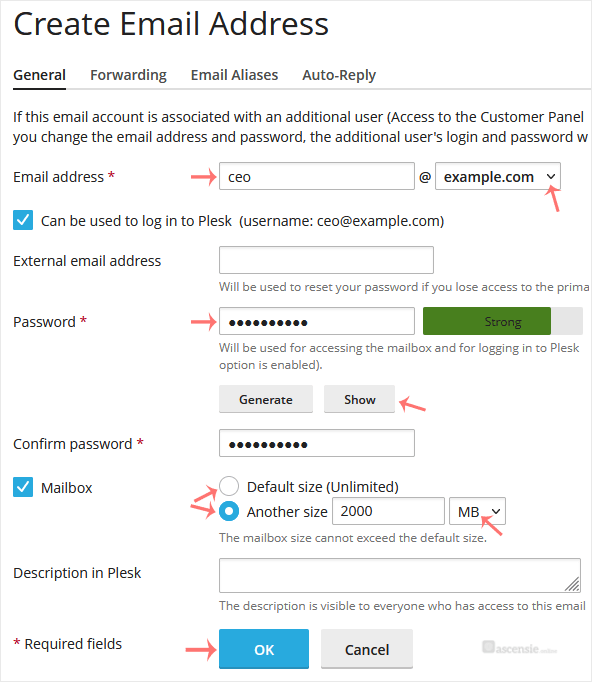
- Klik op OK.

