Je kunt het schijf- en bandbreedtegebruik snel controleren in Plesk.
- Log in op je Plesk-account.
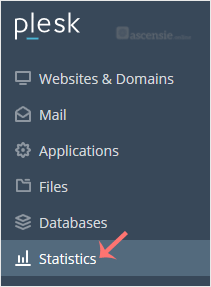
- Klik op Statistics in het zijmenu.
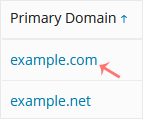
- Heb je meerdere domeinen? Klik dan op het juiste domein.
- Het schijfgebruik staat aan de linkerkant. Aan de rechterkant zie je je verkeer/bandbreedtegebruik.
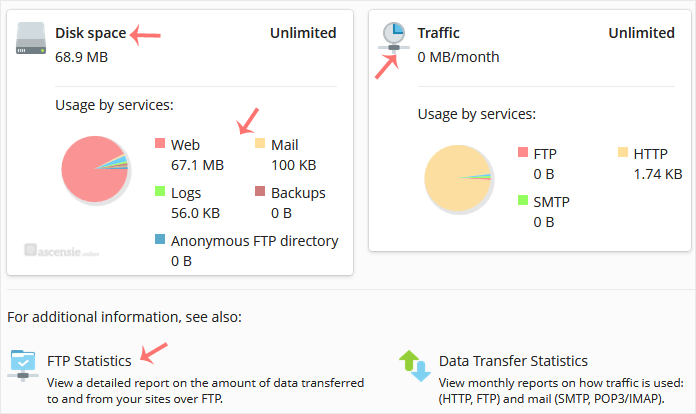
Je kunt ook de gedetailleerde statistieken voor FTP, Data Transfer en Web Statistics bekijken.

