Je kunt het wachtwoord van je e-mailaccount in Plesk wijzigen via de volgende stappen:
- Log in op je Plesk-account.
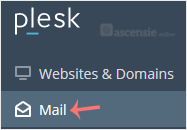
- Klik op Mail in het zijmenu.
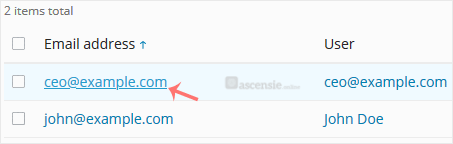
- Klik in de lijst met e-mailaccounts op het account waarvan je het wachtwoord wilt wijzigen.
- Voer in het veld Password een wachtwoord in of klik op Generate om er een te genereren. Klik op Show om het wachtwoord weer te geven en kopieer het.
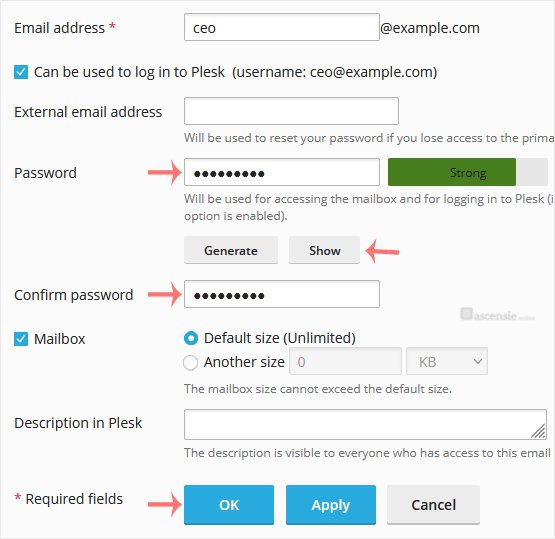
- Klik op OK.

