There was a problem loading the comments.

How to Change the Password of a Plesk Account

Support Portal  »  Kennisbank  »  Viewing Article

Print


Follow these steps to change your Plesk account password.


1. Log in to your Plesk account.


2. Click on Account from the Sidebar Menu.
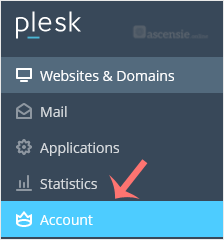
plesk-click-on-account-client.gif


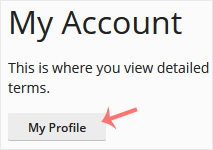
3. Click on My Profile.

plesk-myprofile-client.gif


4. In the password field, enter your password or click Generate to generate one.
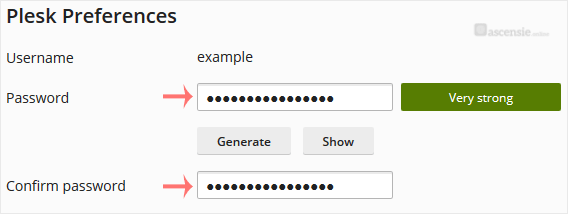
plesk-password-change-enter.gif


5. Click OK to confirm the changes.


You can now log in with the new password.


Share via
Did you find this article useful?

Related Articles


Comments

Add Comment

Replying to  


Self-Hosted Help Desk Software by SupportPal
© Zentic