There was a problem loading the comments.

How to Access Email from Plesk Webmail

Support Portal  »  Kennisbank  »  Viewing Article

Print


You can access your Email directly from Webmail.


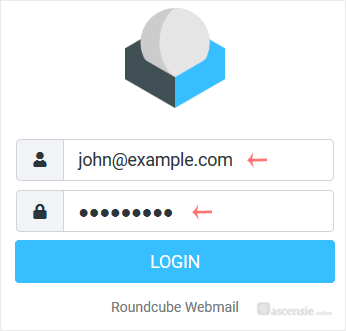
Open https://webmail.example.com, and replace example.com with your domain name. Enter your full email address and password. Then click on Login.

plesk-webmail-login-page.gif


After successful login, you can manage emails.


Share via
Did you find this article useful?

Comments

Add Comment

Replying to  


Self-Hosted Help Desk Software by SupportPal
© Zentic